
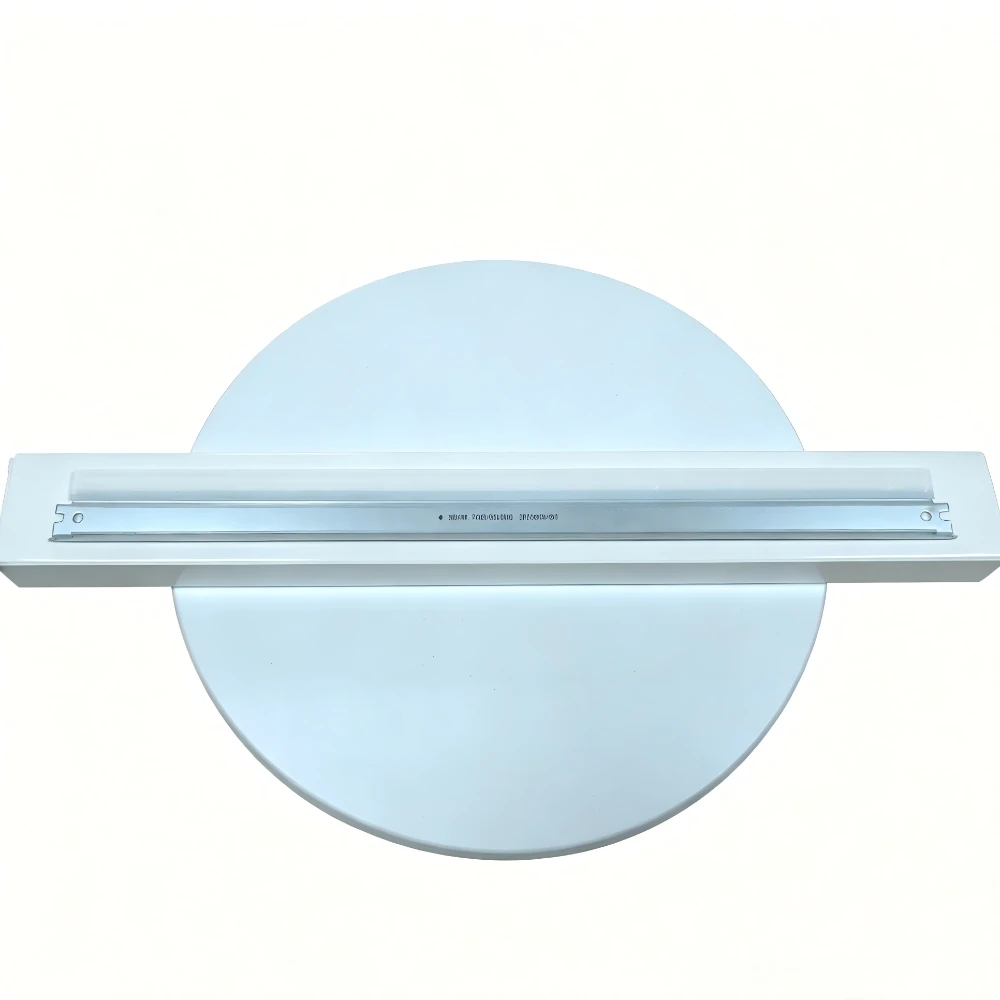
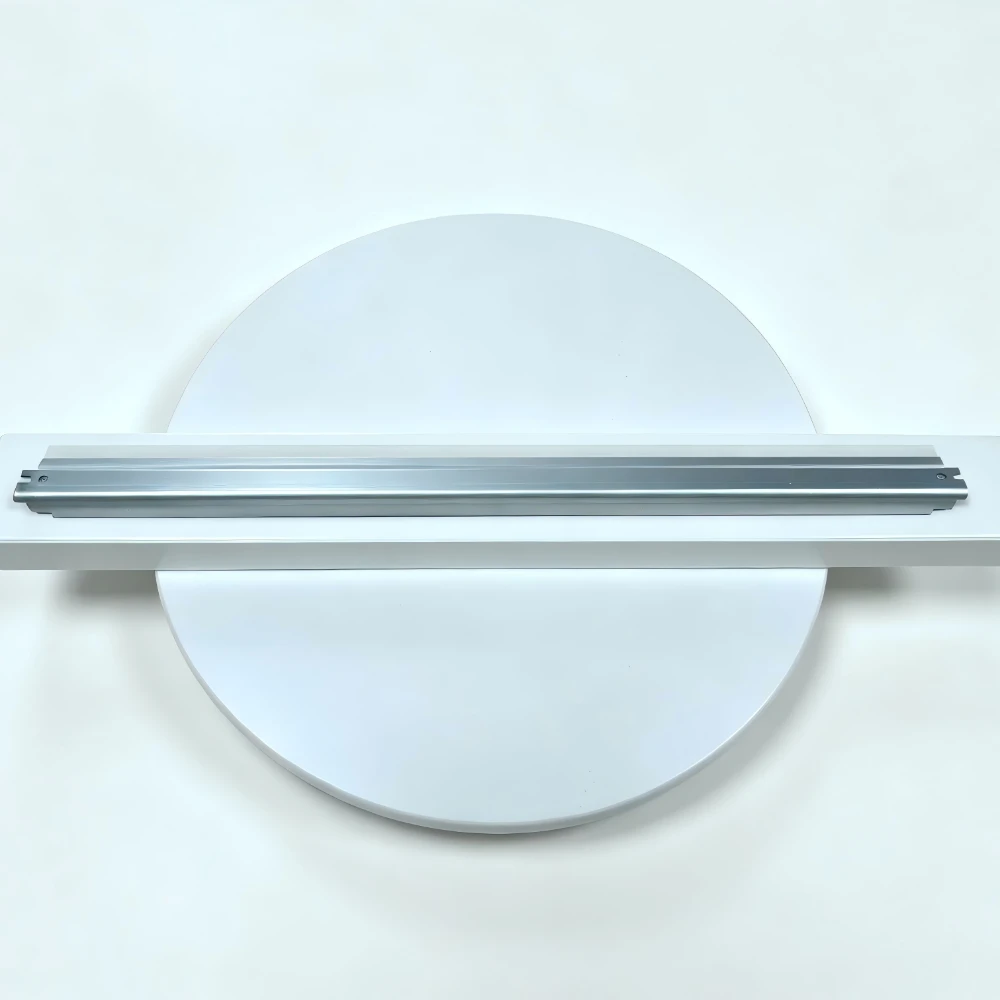
Drum Cleaning Blade for Canon NPG-28 Series Copiers

No.Compatible ModelOEM CodePrint SpeedApplicable RegionRemarks
1Canon IR2016FM3-9263-00016 PPMGlobal UniversalBasic compact office machine
2Canon IR2018FM3-9263-00018 PPMGlobal UniversalSlightly upgraded commercial copier
3Canon IR2020FM3-9263-00020 PPMGlobal UniversalCore main compatible model
4Canon IR2318LFM3-9263-00018 PPMGlobal UniversalNew energy-saving office model
5Canon IR2320LFM3-9263-00020 PPMGlobal UniversalUpgraded version with network printing
6Canon IR2420LFM3-9263-00020 PPMGlobal UniversalHeavy-duty durable office copier

Product Features

  1. OEM Equivalent Quality: Precisely cut and molded under original factory standards, matching genuine blade hardness and dimension for OEM-level cleaning performance.
  2. Powerful Drum Surface Cleaning: Sharp elastic edge removes residual toner completely, erasing black lines, fog and ghost shadow print defects.
  3. Tough Wear-Resistant Rubber Strip: Imported polyurethane material with superior anti-corrosion & anti-aging performance, no hardening, cracking or edge curling after long service.
  4. Extended Service Life: Wear-resistant cutting edge design handles daily bulk office copying with longer replacement intervals.
  5. Easy Damage-Free Installation: Precisely integrated holder with perfect dimensional matching, direct replacement without modification or calibration.
  6. Global Universal Compatibility: Fits all regional and language versions of Canon NPG-28 machines worldwide, no regional lock restrictions.
Get a Quick Quote Whatsapp

Product Specifications

ItemParameter
Product NameOPC Drum Cleaning Blade / NPG28 Drum Wiper Blade Assembly
Main Compatible ModelsCanon NPG-28 Series B&W Digital Copiers
OEM Part NumberNPG-28 / FM3-9263-000
Quality GradePremium Export Grade (OEM Equivalent Quality)
Expected Page Yield80,000 – 120,000 Pages (Depends on paper quality & print coverage)
Machine TypeLow & Medium Speed B&W Digital Office Multifunctional Copier
Installation PositionCleaning Assembly of OPC Drum Unit

Product Description

High-quality OPC drum cleaning blade assembly fully compatible with Canon NPG-28 series black & white digital multifunctional copiers, including IR2016, IR2018, IR2020, IR2318L, IR2320L, IR2420L office printers. This high-performance wiper blade is specially designed for daily black-and-white printing & copying scenarios in SME offices and small print shops. Its high-elastic wear-resistant cutting edge thoroughly scrapes residual toner, paper dust and impurities off the OPC drum surface, eliminating common imaging defects such as background fog, vertical black lines, ghosting and toner spots to deliver consistently crisp, clean copy outputs. Constructed with imported high-toughness polyurethane rubber strip, it resists toner corrosion, hardening and cracking. The blade edge will not curl or wear down under long continuous printing, effectively extending OPC drum service life, reducing disassembly maintenance frequency and cutting daily office printing operational costs, ideal for long-term medium-volume office workloads.
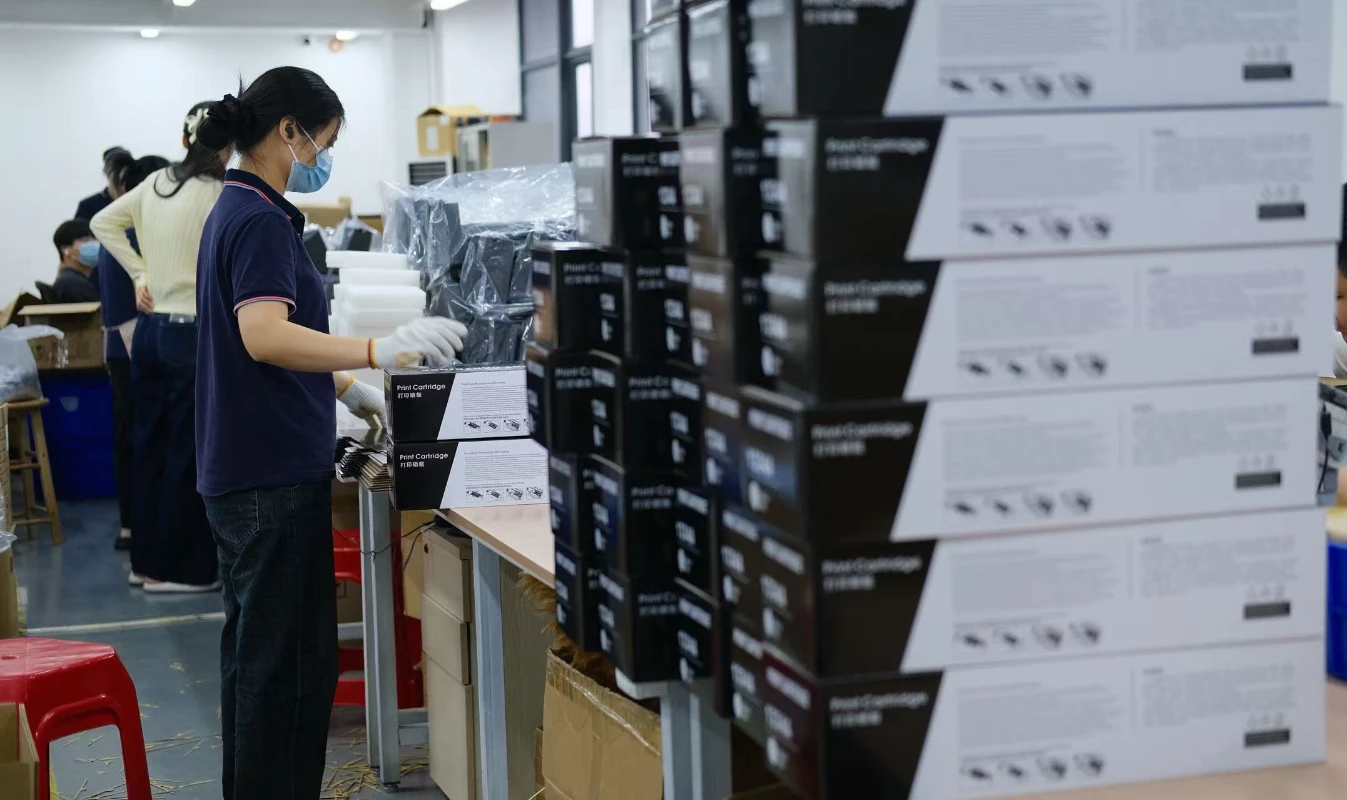
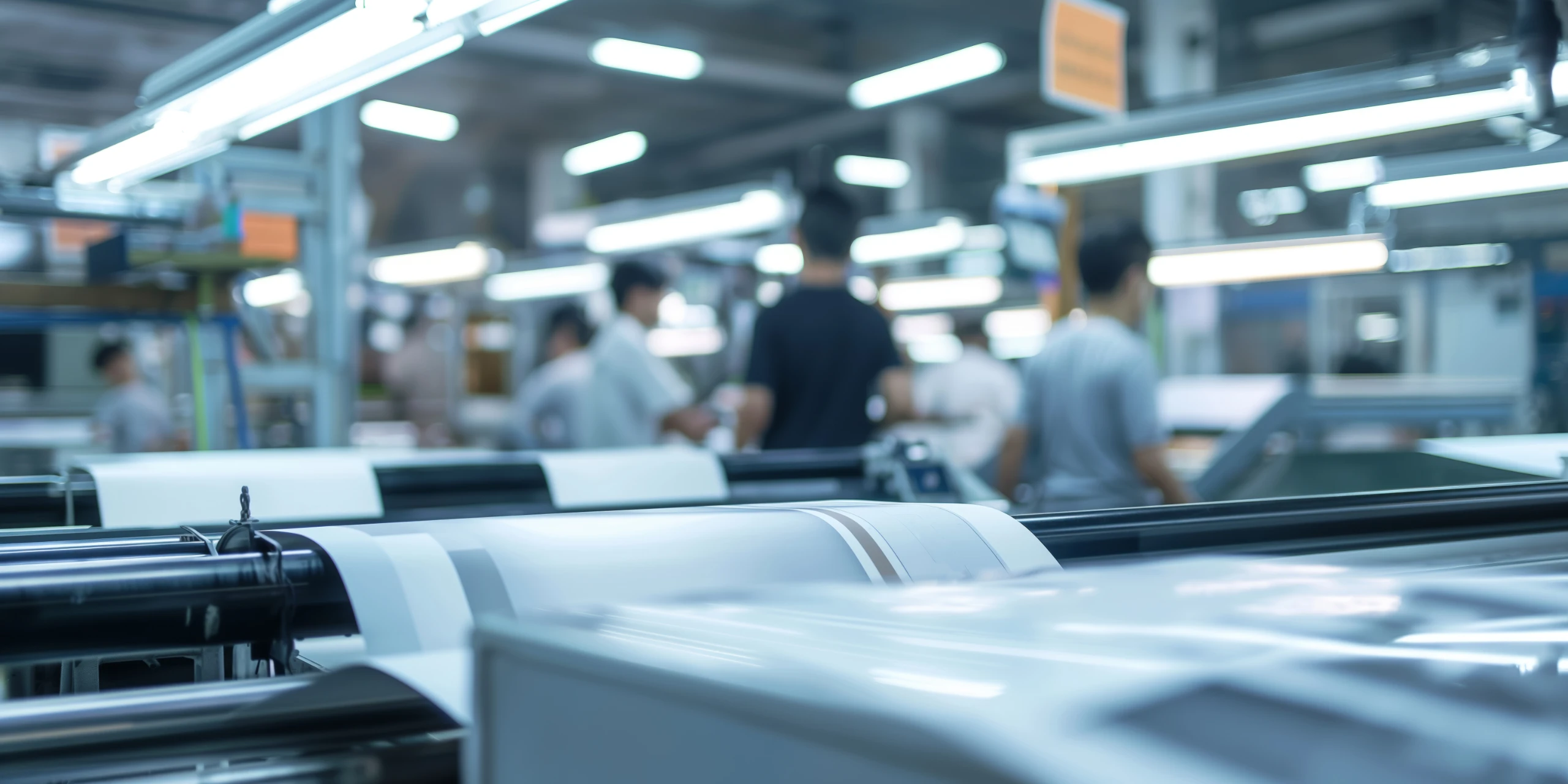
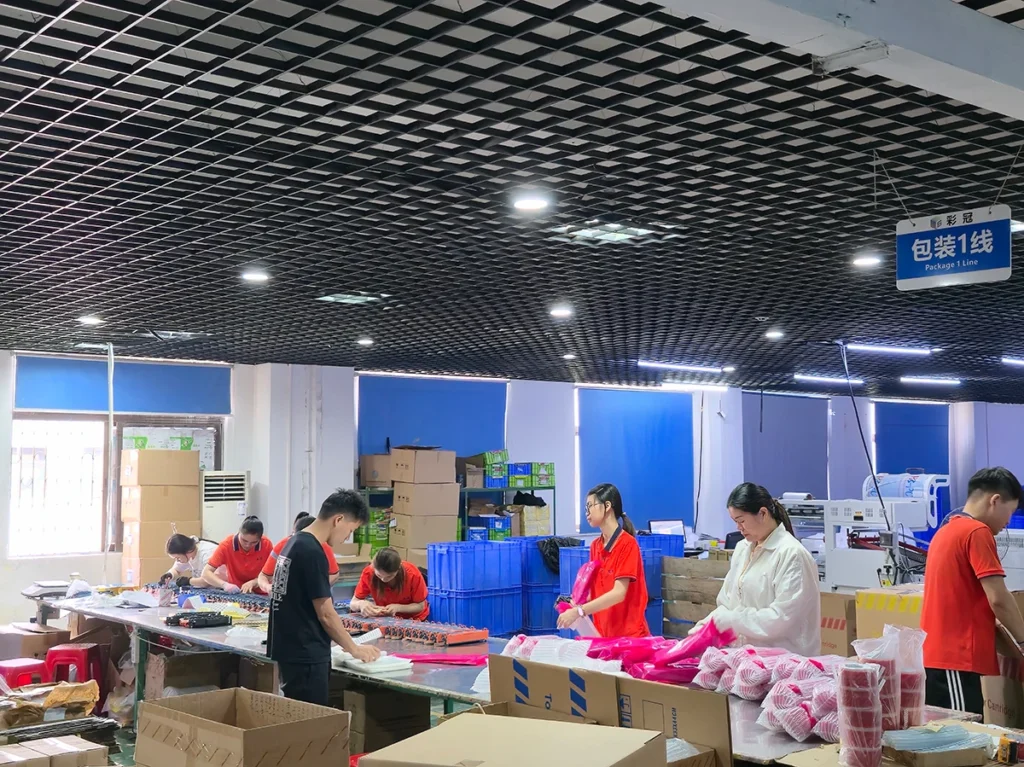
professional packaging workshop for printer consumables production.

Suitable Industry Applications

  • High-End Quick Printing & Copy Shops
  • Commercial Printing Factories
  • Government & Enterprise Printing Centers
  • Overseas Copier Rental Companies
  • Office Consumables Distributors & Wholesalers in
    Europe and America

Request Product Information & Pricing

Contact our team for product specifications, compatibility support, OEM/ODM solutions, samples, and the latest quotation.

Contact Form

Frequently Asked Questions

Find Answers About Product Compatibility, Customization, Quality Control, Production Capacity, and Global Shipping Services from Qinhai Technology

Cause:
Paper jam, paper shortage, low toner, toner cartridge not installed properly, or the machine cover is not fully closed.

Solution:

  1. Check whether the front/rear cover and toner cartridge compartment are properly closed.
  2. Remove any jammed paper and reload paper.
  3. Reinstall the toner cartridge or toner box.
  4. Restart the machine after checking the error code for the corresponding model.

Cause:
Dirty scanner glass, incorrect exposure settings, or the copier cover is not fully closed.

Solution:

  1. Clean the scanner glass and copier cover with a dust-free cloth.
  2. Increase the copy density setting properly.
  3. Ensure the copier cover is fully closed during operation.
  4. Thoroughly clean the scanner glass and inner cover area.

Cause:
The Cleaning Wax Bar mainly provides a thin lubrication layer for the OPC drum surface.

Solution:
Insufficient wax may increase friction between the blade and drum surface, shorten drum life, and create abnormal noise. Our high-purity lubrication wax bars help extend component lifespan. Regular inspection during maintenance is recommended.

Cause:
Carbon buildup on the fuser roller surface or dried oil cloth may prevent smooth paper separation.

Solution:
Check whether the oil cloth rotates normally. Our high-temperature oil cloth contains high-concentration silicone oil with excellent heat resistance, helping remove toner residue from the fuser roller and ensuring smooth paper feeding. Replace immediately if the oil cloth becomes black or dry.

Cause:
Insufficient toner, clogged print head, or print density setting is too low.

Solution:

  1. Gently shake the toner cartridge left and right temporarily, then refill toner or replace the cartridge if necessary.
  2. Run the printer head cleaning function 1–2 times.
  3. Restart the printer and restore factory settings if needed.
  4. Disable toner-saving or eco-print mode.

Cause:
This may be caused by poor PCR contact, incompatible toner powder, or exposure of the OPC drum to strong light during transportation.

Solution:
Check whether the conductive metal contacts on both sides of the PCR are properly connected. If gray background appears together with periodic black spots, inspect whether the OPC drum surface has scratches. We recommend using our matched high-performance toner powder or OPC components to maintain stable charge balance and printing quality.

Cause:
The cleaning roller may accumulate excessive paper dust or hardened toner, reducing its ability to collect waste toner.

Solution:
Remove the cleaning roller for cleaning or replace it directly. Since the cleaning roller is a consumable part, regular replacement is recommended to keep the PCR and OPC drum surfaces clean.

Answer:
Every Qinhai Technology component — from blade hardness to brush conductivity — is specially developed according to the electrical and mechanical standards of specific printer models. Through strict 1:1 machine testing, we ensure full compatibility with OEM components and achieve excellent original-level printing performance.

about

Our Advantages

Professional Printing Consumables Manufacturer with Global Supply Capabilities and Customized Solutions

Learn More

Customized Printing Solutions

Solving Real Printing Consumable Challenges for Different Markets and Environments

Qinhai Technology provides professional customized solutions based on different printer models, regional environments, and customer application scenarios. From stable printing performance and compatibility optimization to special specification development, we help customers reduce after-sales issues, improve printing quality, and enhance market competitiveness.

  • Stable printing performance
  • Low defect and leakage rate
  • High page yield consistency
  • Compatibility optimization for different brands
  • High & low temperature environment adaptation
  • OEM / ODM customization support
  • Fast response for special model requirements
Customized service introduction
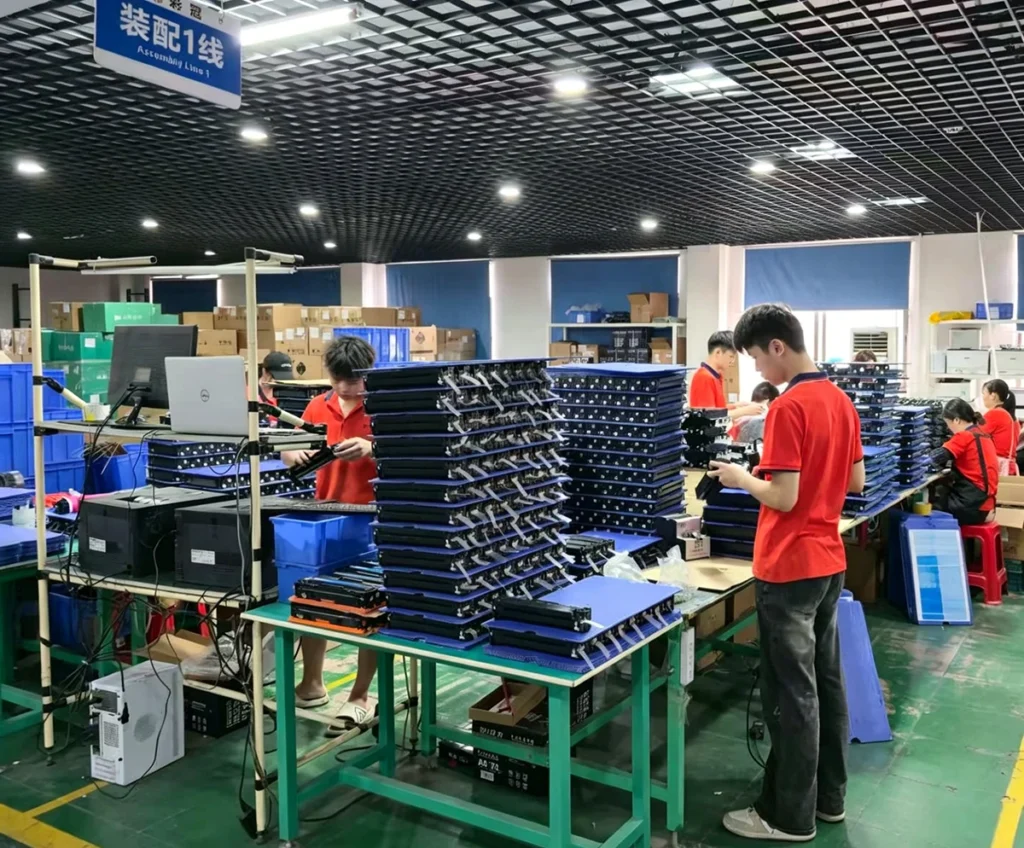
automated production workshop line for printer consumables manufacturing.

Production Workshop Line

professional packaging assembly line for toner cartridges and printing consumables.

Packaging Assembly Line

OUR STORY

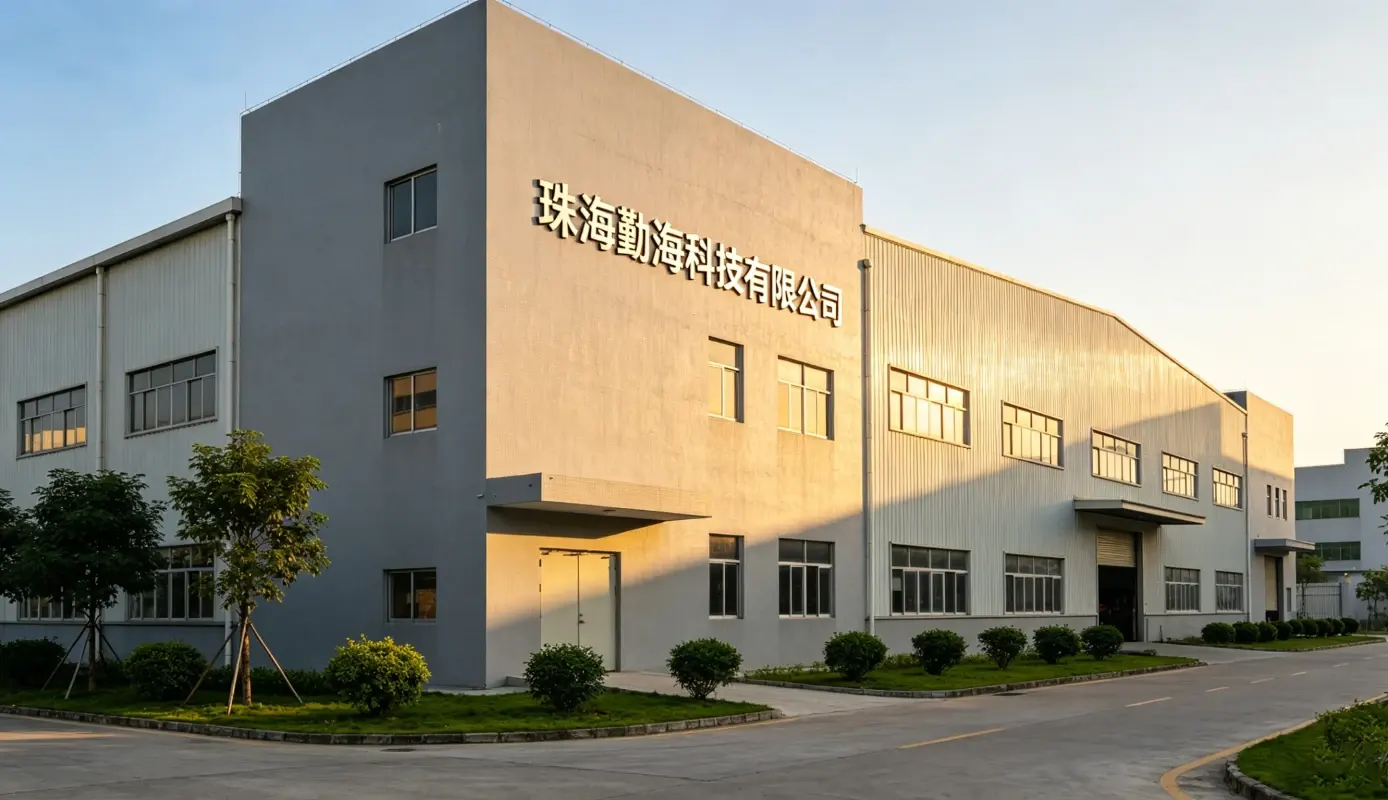
Zhuhai Qinhai Technology Co., Ltd.

Located in Zhuhai, China — the global hub for printing consumables — Zhuhai Qinhai Technology Co., Ltd. was established after strategic preparation beginning in 2016. Through continuous investment in R&D and manufacturing, the company has expanded its business to more than 100 countries and regions worldwide, serving over 300 customers globally.

Qinhai Technology owns three domestic supporting factories for printer consumables, allowing us to reduce intermediary costs and provide highly competitive pricing with greater profit potential for our partners. We have developed into a professional supplier integrating research, production, and sales of printing consumables and compatible spare parts.

Our main products include OEM-quality toner cartridges, copier toner kits, ink cartridges, waste toner containers, developer units, PCR rollers, cleaning rollers, wax bars, and other core consumable components, compatible with major brands such as HP, Canon, Brother, Ricoh, Xerox, Kyocera, Konica Minolta, Samsung, and more.

With strong customization capabilities, we support OEM/ODM services, private labeling, small-batch samples, and bulk production to meet different market demands. Backed by a mature supply chain and strict quality control processes, we provide reliable products, fast delivery, and flexible global logistics solutions.

Guided by integrity, professionalism, and continuous improvement, Qinhai Technology is committed to delivering stable, cost-effective, and customized printing solutions, aiming to become a trusted long-term partner for global distributors and enterprise customers.

zhuhai qinhai technology co., ltd.

3

+

Supporting Manufacturing Factories

100

+

Countries & Regions Served Worldwide

300

+

Global Business Customers

about

Looking for Reliable Printing Consumable Solutions?

Partner with Qinhai Technology for stable quality, competitive pricing, OEM/ODM customization, and professional global supply support.

Get a Free Quote