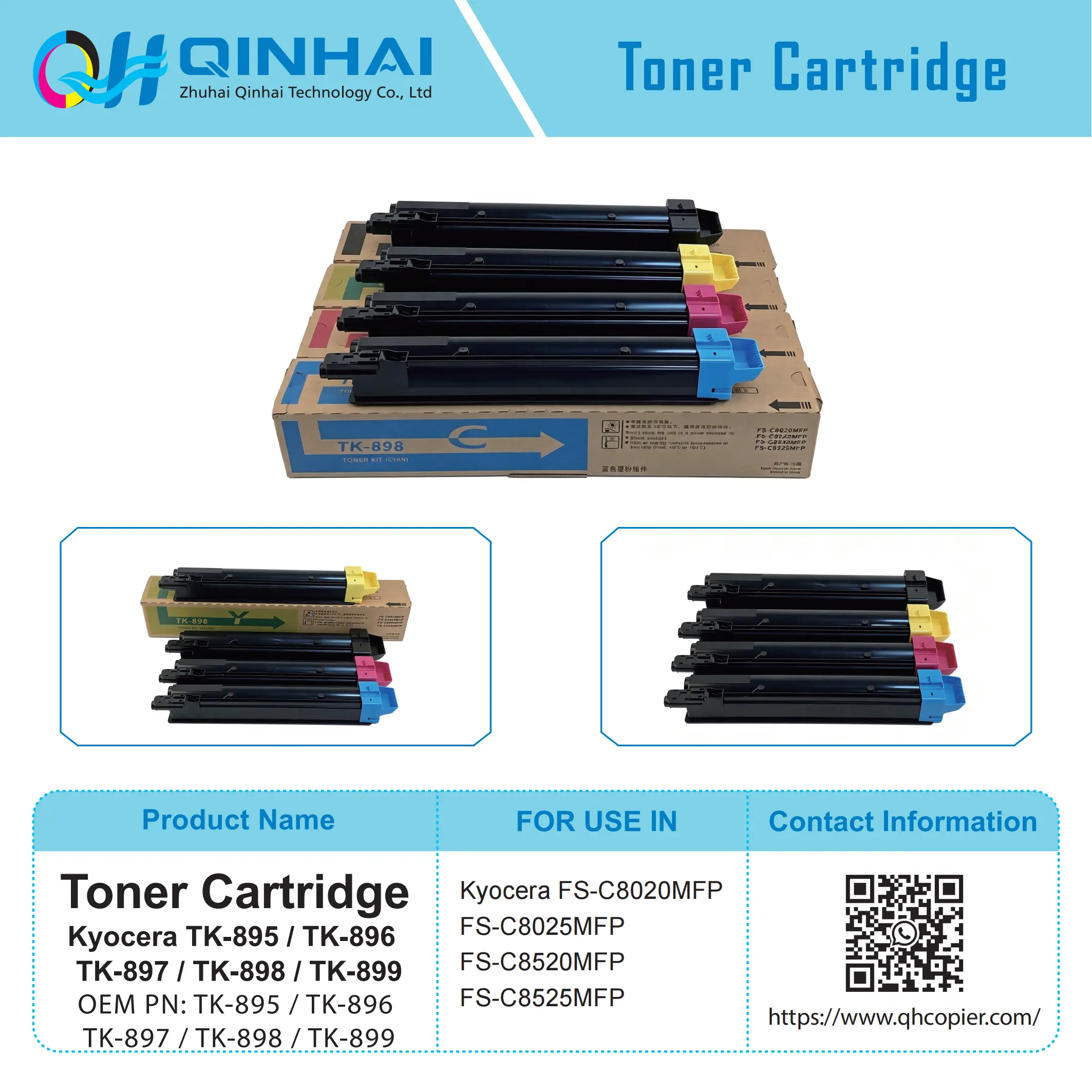
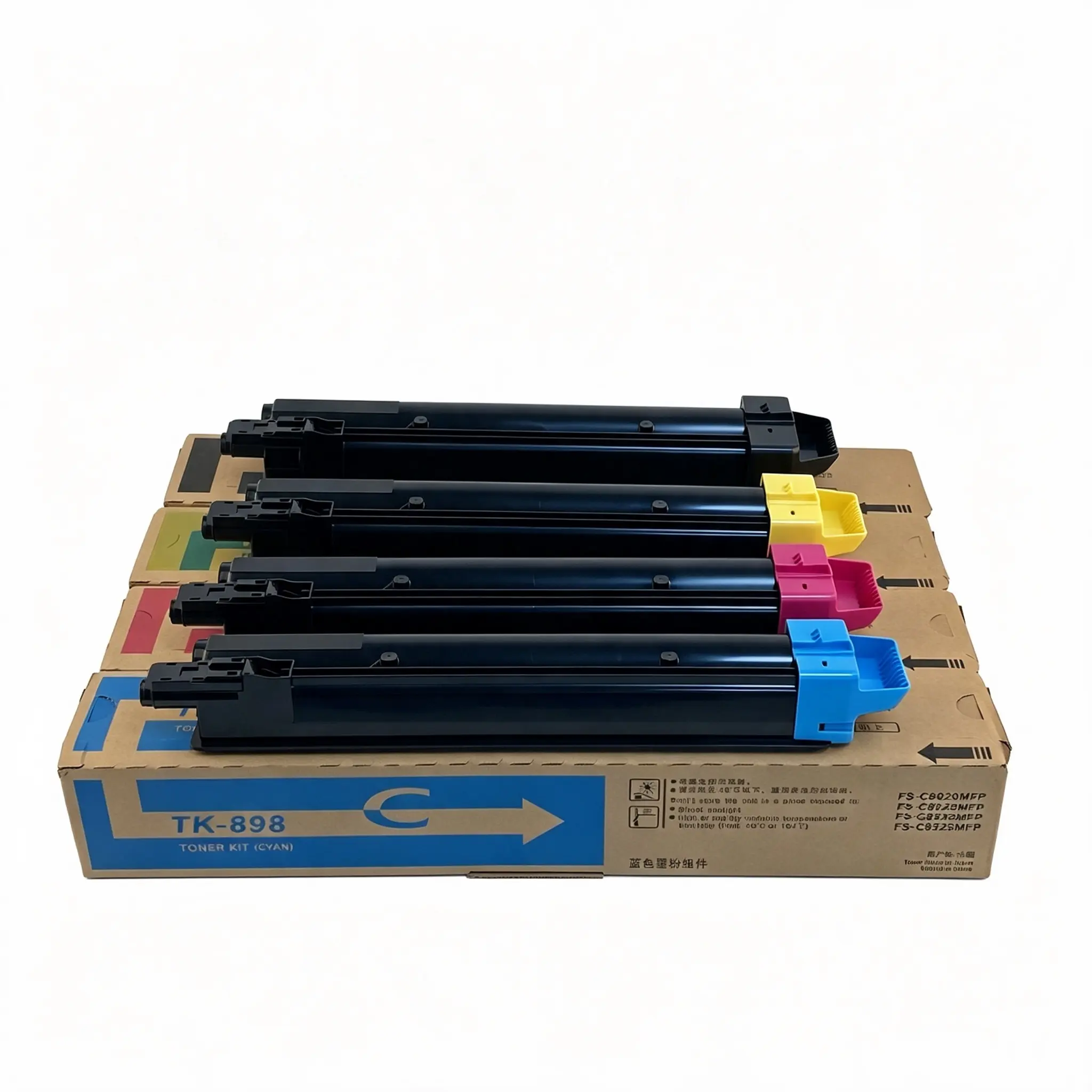
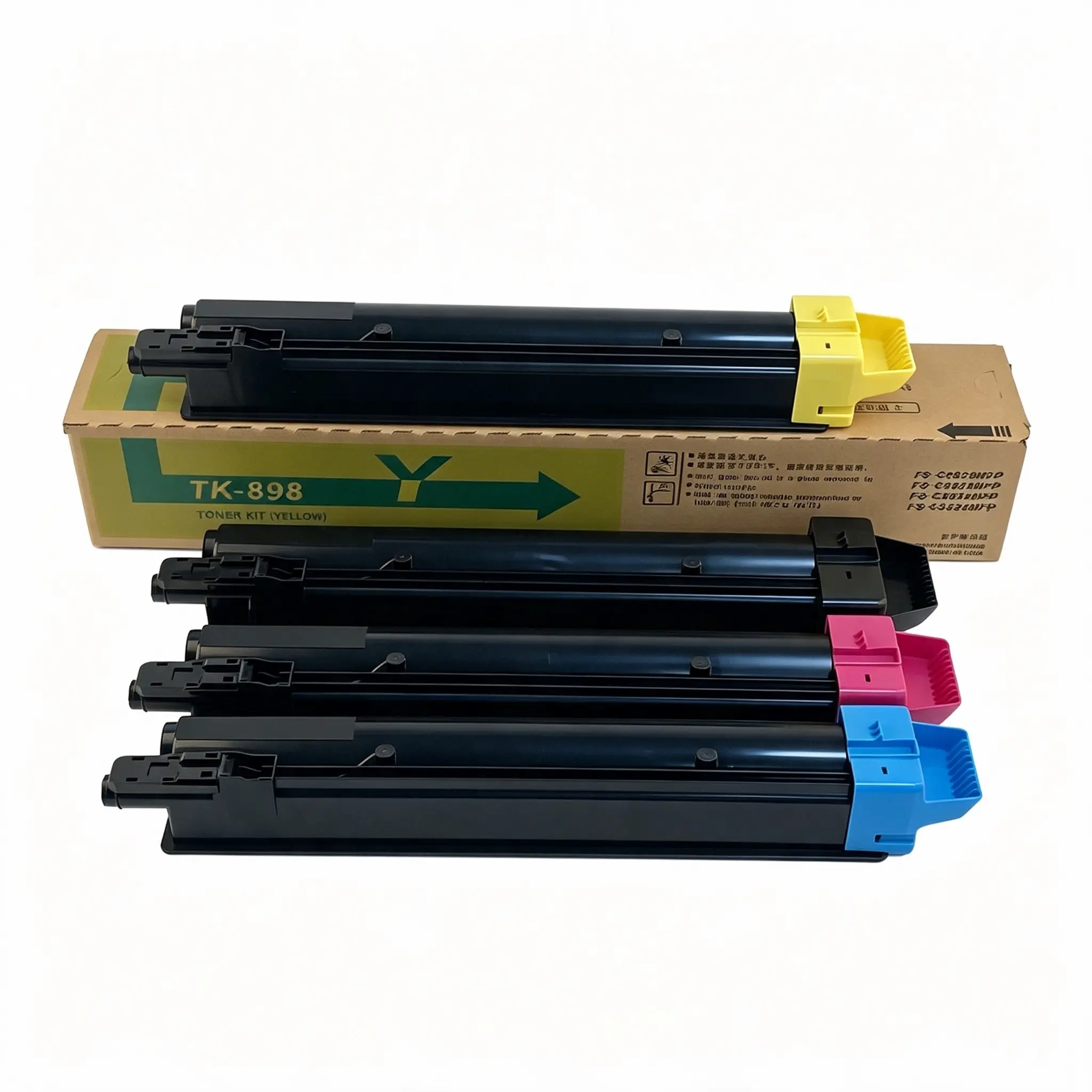
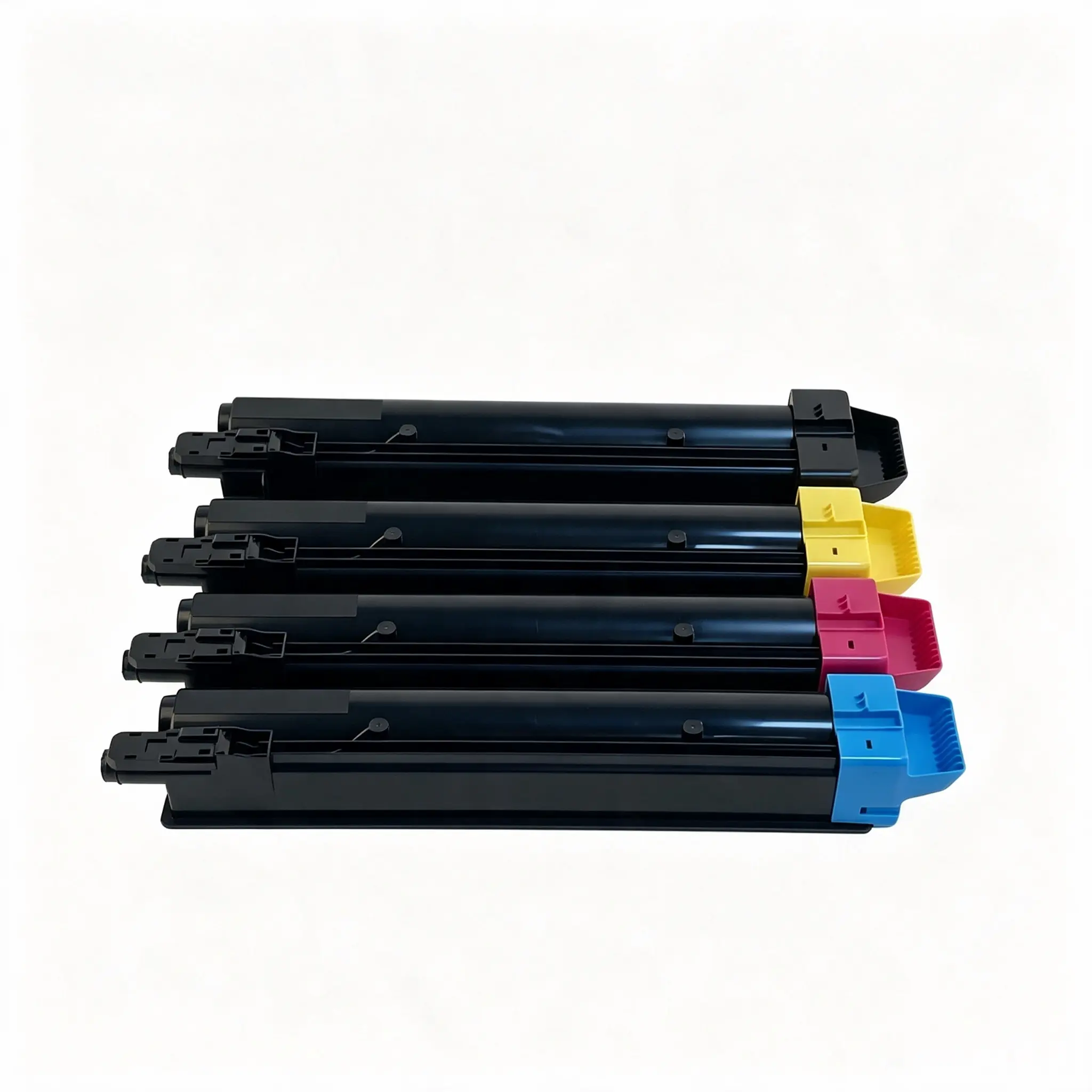
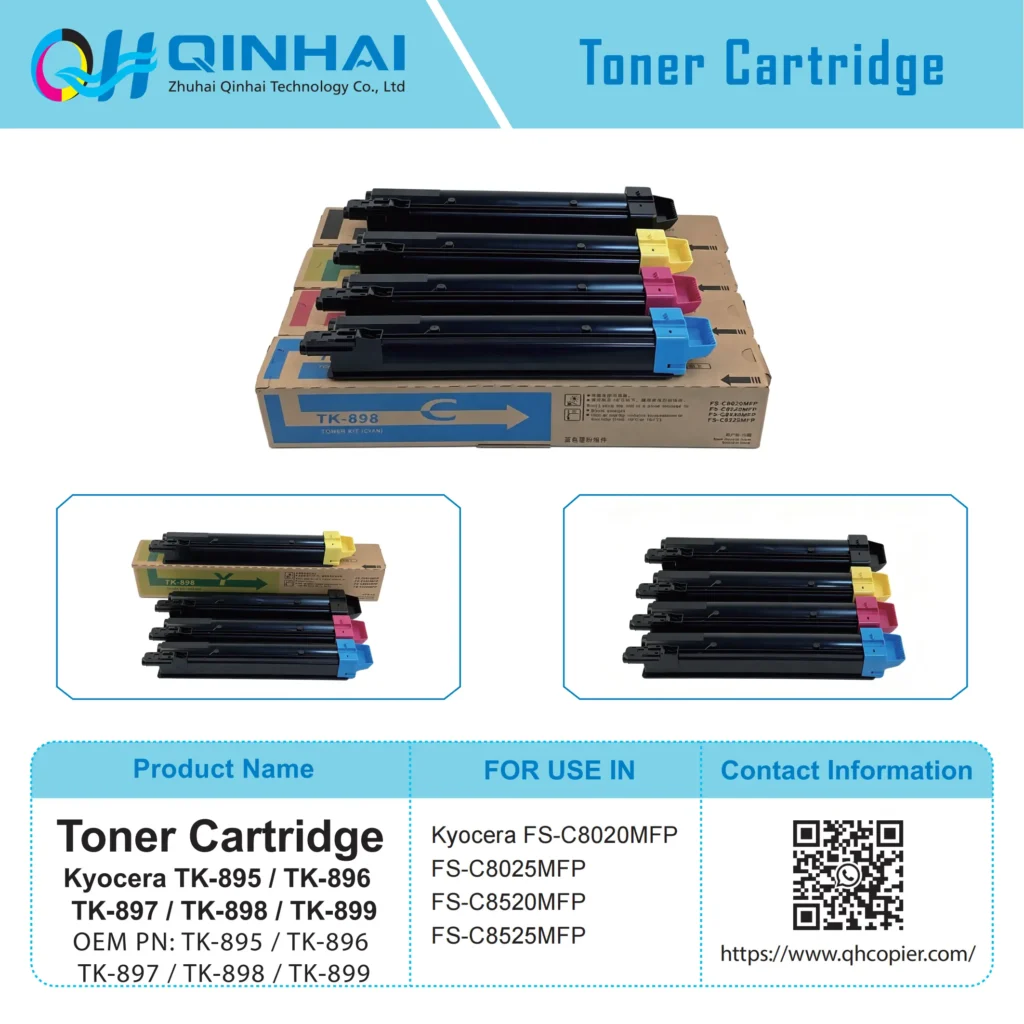
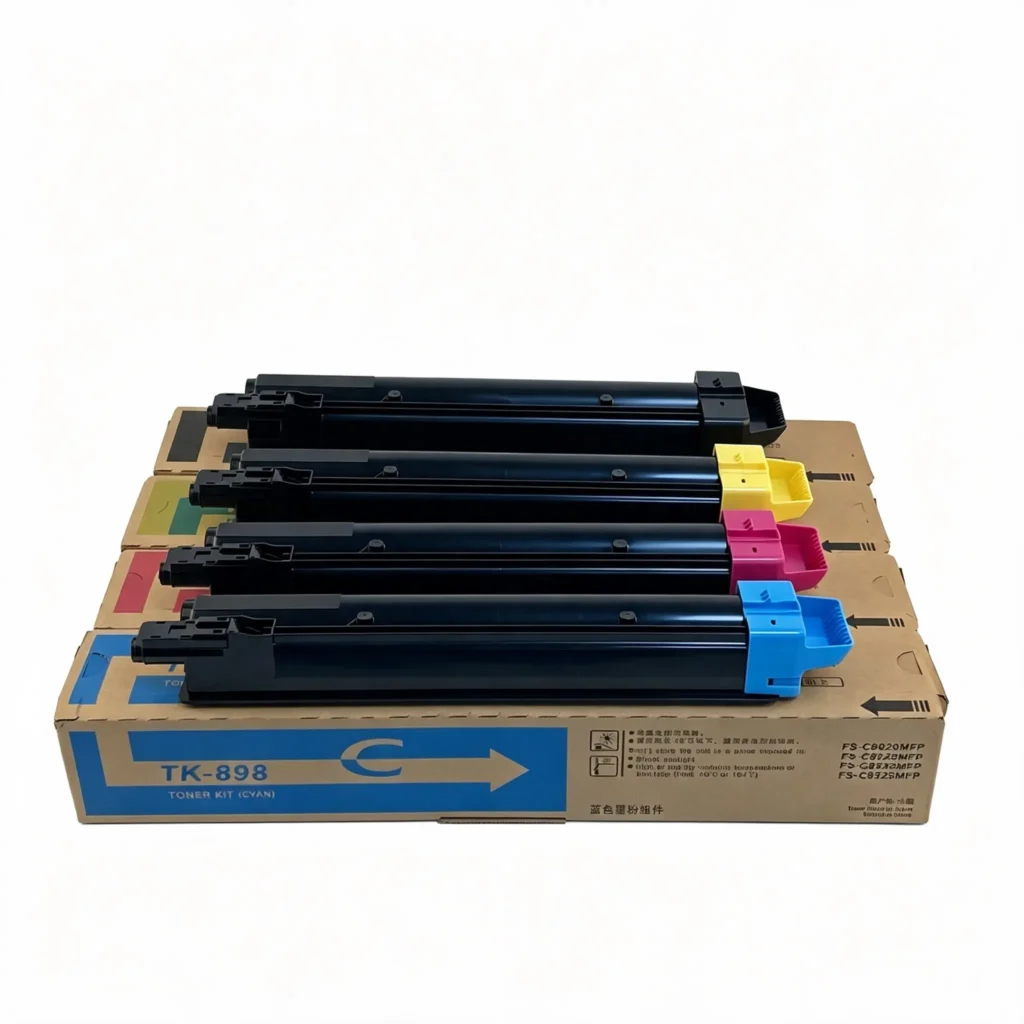
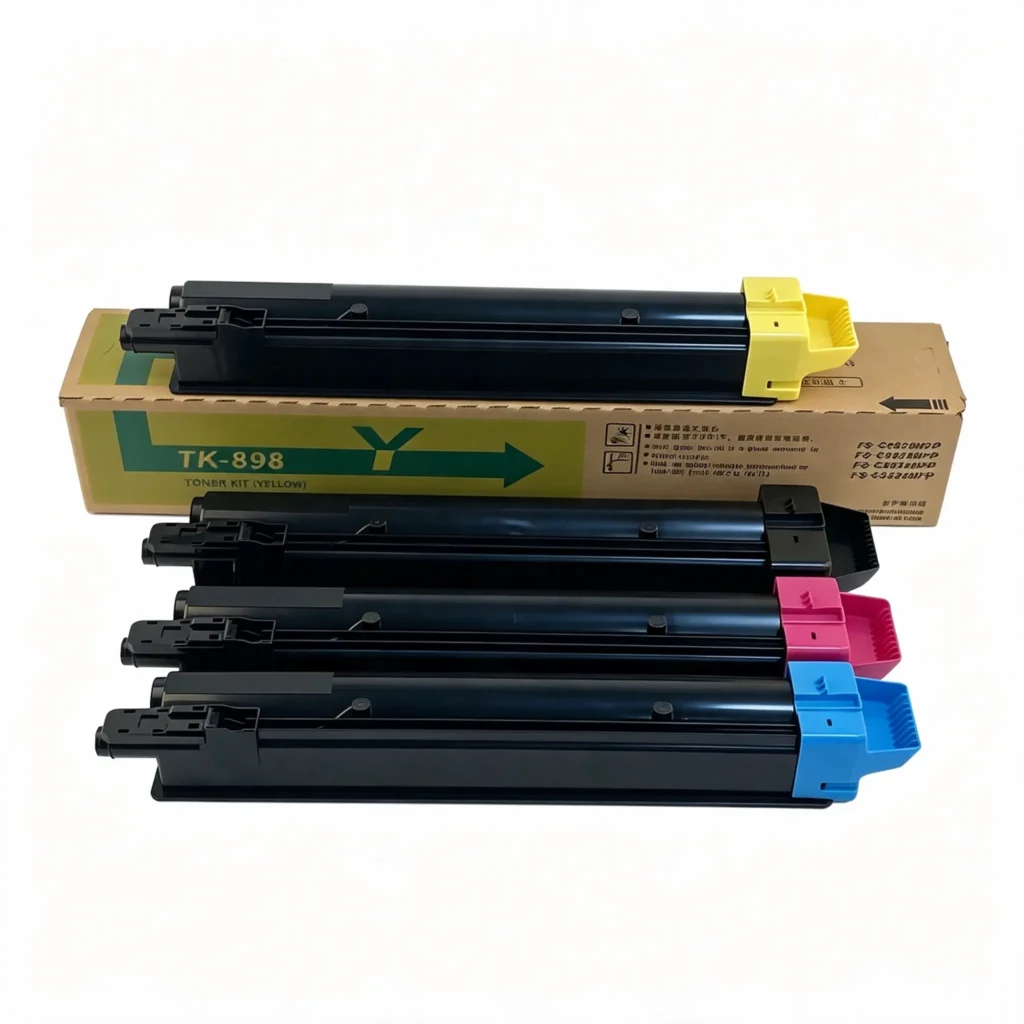
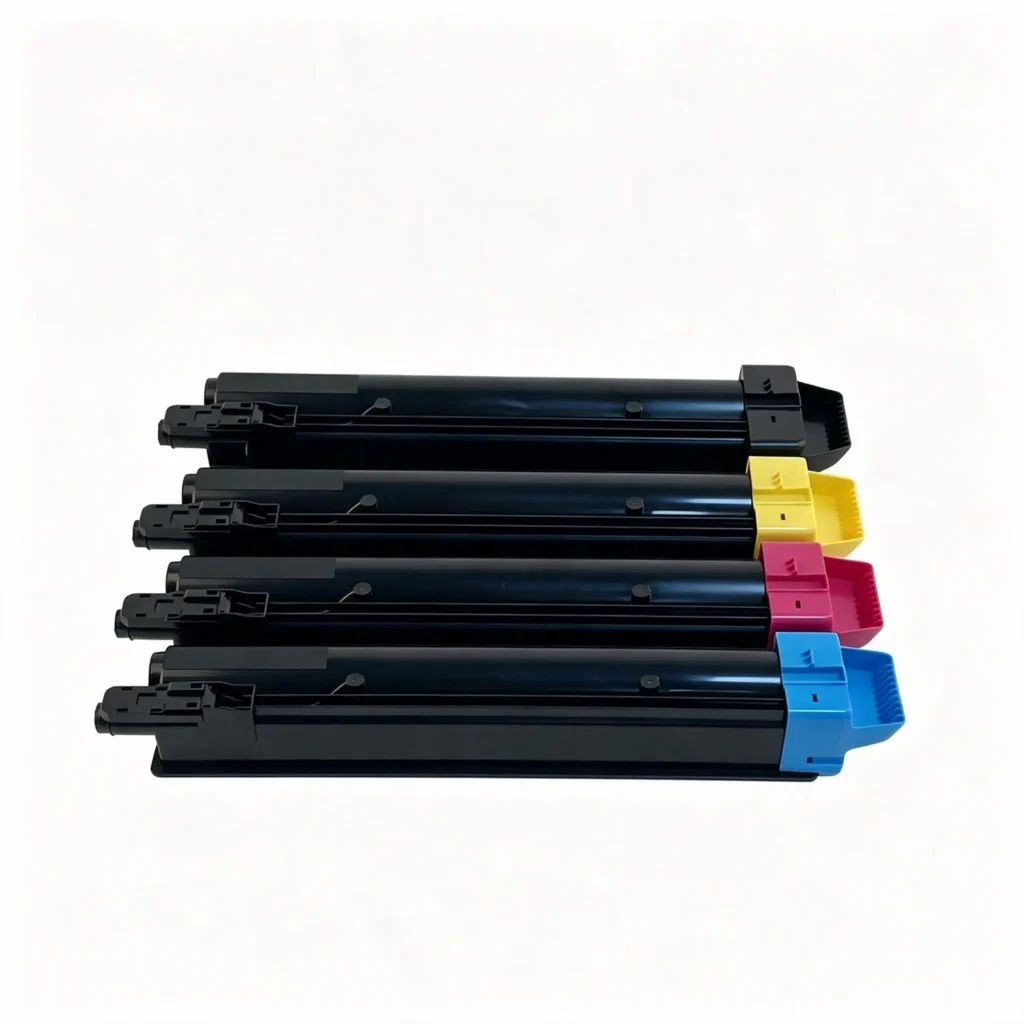
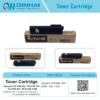
Kyocera TK-895 / TK-896 / TK-897 / TK-898 / TK-899 Toner Cartridge

No.Compatible Machine ModelOEM CodePrint SpeedPage YieldApplicable RegionsRemarks
1Kyocera FS-C8020MFPTK-89520 Color PPM(A4)BK:12,000 Pages CMY:6,000 PagesEU EuropeUpgraded Compatible Toner, EU Version Only
2Kyocera FS-C8025MFPTK-89525 Color PPM(A4)BK:12,000 Pages CMY:6,000 PagesEU EuropeUpgraded Compatible Toner, EU Version Only
3Kyocera FS-C8520MFPTK-89520 Color PPM(A4)BK:12,000 Pages CMY:6,000 PagesEU EuropeUpgraded Compatible Toner, EU Version Only
4Kyocera FS-C8525MFPTK-89525 Color PPM(A4)BK:12,000 Pages CMY:6,000 PagesEU EuropeUpgraded Compatible Toner, EU Version Only
5Kyocera FS-C8020MFPTK-89620 Color PPM(A4)BK:12,000 Pages CMY:6,000 PagesJP JapanUpgraded Compatible Toner, JP Version Only
6Kyocera FS-C8025MFPTK-89625 Color PPM(A4)BK:12,000 Pages CMY:6,000 PagesJP JapanUpgraded Compatible Toner, JP Version Only
7Kyocera FS-C8520MFPTK-89620 Color PPM(A4)BK:12,000 Pages CMY:6,000 PagesJP JapanUpgraded Compatible Toner, JP Version Only
8Kyocera FS-C8525MFPTK-89625 Color PPM(A4)BK:12,000 Pages CMY:6,000 PagesJP JapanUpgraded Compatible Toner, JP Version Only
9Kyocera FS-C8020MFPTK-89720 Color PPM(A4)BK:12,000 Pages CMY:6,000 PagesUS USAUpgraded Compatible Toner, US Version Only
10Kyocera FS-C8025MFPTK-89725 Color PPM(A4)BK:12,000 Pages CMY:6,000 PagesUS USAUpgraded Compatible Toner, US Version Only
11Kyocera FS-C8520MFPTK-89720 Color PPM(A4)BK:12,000 Pages CMY:6,000 PagesUS USAUpgraded Compatible Toner, US Version Only
12Kyocera FS-C8525MFPTK-89725 Color PPM(A4)BK:12,000 Pages CMY:6,000 PagesUS USAUpgraded Compatible Toner, US Version Only
13Kyocera FS-C8020MFPTK-89820 Color PPM(A4)BK:12,000 Pages CMY:6,000 PagesCN ChinaUpgraded Compatible Toner, CN Version Only
14Kyocera FS-C8025MFPTK-89825 Color PPM(A4)BK:12,000 Pages CMY:6,000 PagesCN ChinaUpgraded Compatible Toner, CN Version Only
15Kyocera FS-C8520MFPTK-89820 Color PPM(A4)BK:12,000 Pages CMY:6,000 PagesCN ChinaUpgraded Compatible Toner, CN Version Only
16Kyocera FS-C8525MFPTK-89825 Color PPM(A4)BK:12,000 Pages CMY:6,000 PagesCN ChinaUpgraded Compatible Toner, CN Version Only
17Kyocera FS-C8020MFPTK-89920 Color PPM(A4)BK:12,000 Pages CMY:6,000 PagesAU AustraliaUpgraded Compatible Toner, AU Version Only
18Kyocera FS-C8025MFPTK-89925 Color PPM(A4)BK:12,000 Pages CMY:6,000 PagesAU AustraliaUpgraded Compatible Toner, AU Version Only
19Kyocera FS-C8520MFPTK-89920 Color PPM(A4)BK:12,000 Pages CMY:6,000 PagesAU AustraliaUpgraded Compatible Toner, AU Version Only
20Kyocera FS-C8525MFPTK-89925 Color PPM(A4)BK:12,000 Pages CMY:6,000 PagesAU AustraliaUpgraded Compatible Toner, AU Version Only

Premium compatible Kyocera color toner cartridge fits Kyocera FS-C8020MFP,FS-C8025MFP,FS-C8520MFP,FS-C8525MFP. Regional chips available, stable color & good fusing for office color document printing.

Get a Quick Quote Whatsapp

Product Specifications

ItemDetails
Product NameTK-895/TK-896/TK-897/TK-898/TK-899 Toner Cartridge (Upgraded Universal Compatible Version)
Main Compatible ModelsKyocera FS-C8020MFP,FS-C8025MFP,FS-C8520MFP,FS-C8525MFP
OEM Part NumberTK-895(EU),TK-896(JP),TK-897(US),TK-898(CN),TK-899(AU)
ColorBlack / Cyan / Magenta / Yellow (BK/C/M/Y)
Quality GradeExport Upgraded Universal Compatible Version
Estimated Page YieldBK:12,000 Pages; CMY:6,000 Pages (A4, 5% Print Coverage)
Machine TypeColor Digital Multifunctional Copier
Accessory TypeCopier Toner Cartridge

Product Description

  1. Region-specific chip for EU/JP/US/CN/AU, works with corresponding regional machines without region lock error.
  2. Premium polymer toner with fine particles, excellent color reproduction, less background fog, streaks and color deviation.
  3. Great toner fluidity prevents agglomeration, reduces developing unit wear and extends copier service life.
  4. Reliable standard page yield with competitive cost, suitable for long-term commercial color printing & copying.
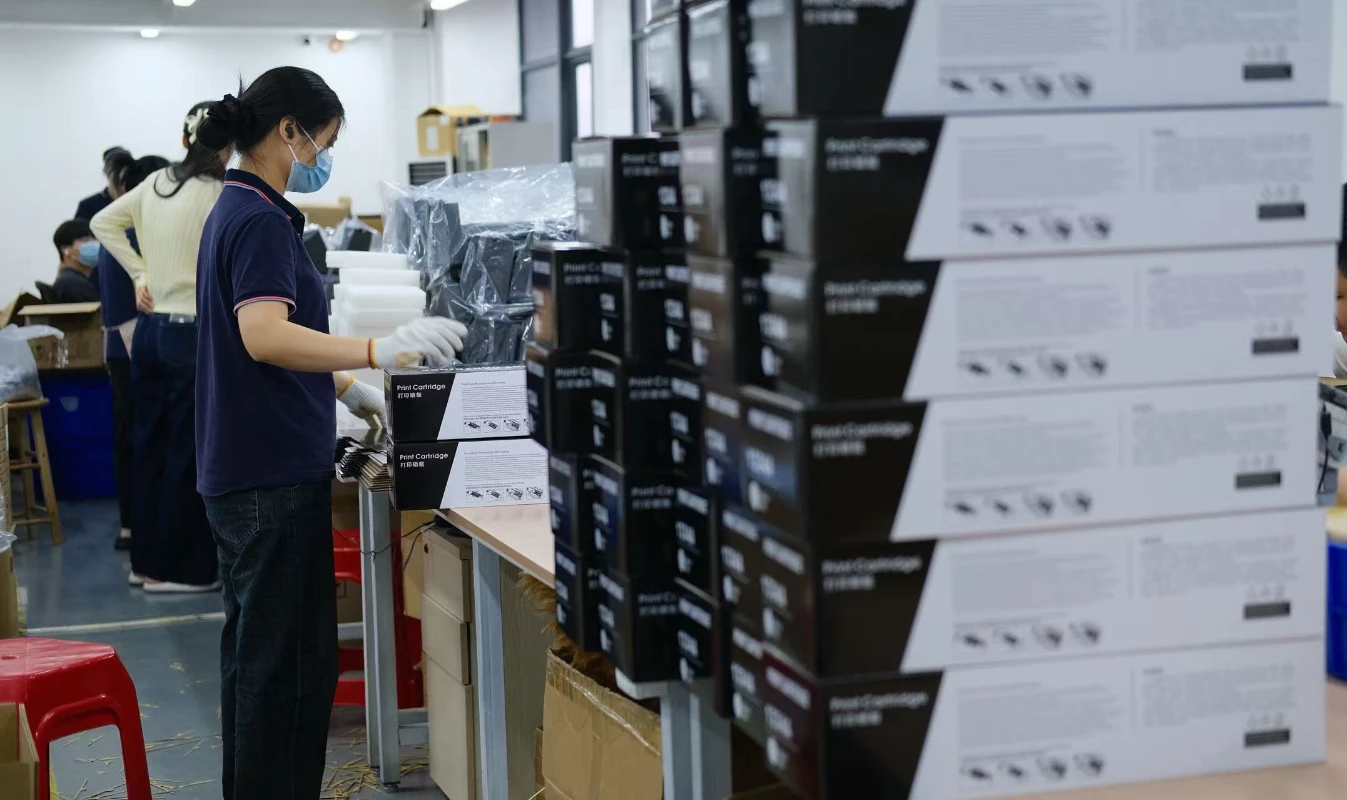
professional packaging workshop for printer consumables production.

Suitable Industry Applications

  • High-End Quick Printing & Copy Shops
  • Commercial Printing Factories
  • Government & Enterprise Printing Centers
  • Overseas Copier Rental Companies
  • Office Consumables Distributors & Wholesalers in
    Europe and America

Request Product Information & Pricing

Contact our team for product specifications, compatibility support, OEM/ODM solutions, samples, and the latest quotation.

Contact Form

Frequently Asked Questions

Find Answers About Product Compatibility, Customization, Quality Control, Production Capacity, and Global Shipping Services from Qinhai Technology

Cause:
Paper jam, paper shortage, low toner, toner cartridge not installed properly, or the machine cover is not fully closed.

Solution:

  1. Check whether the front/rear cover and toner cartridge compartment are properly closed.
  2. Remove any jammed paper and reload paper.
  3. Reinstall the toner cartridge or toner box.
  4. Restart the machine after checking the error code for the corresponding model.

Cause:
Dirty scanner glass, incorrect exposure settings, or the copier cover is not fully closed.

Solution:

  1. Clean the scanner glass and copier cover with a dust-free cloth.
  2. Increase the copy density setting properly.
  3. Ensure the copier cover is fully closed during operation.
  4. Thoroughly clean the scanner glass and inner cover area.

Cause:
The Cleaning Wax Bar mainly provides a thin lubrication layer for the OPC drum surface.

Solution:
Insufficient wax may increase friction between the blade and drum surface, shorten drum life, and create abnormal noise. Our high-purity lubrication wax bars help extend component lifespan. Regular inspection during maintenance is recommended.

Cause:
Carbon buildup on the fuser roller surface or dried oil cloth may prevent smooth paper separation.

Solution:
Check whether the oil cloth rotates normally. Our high-temperature oil cloth contains high-concentration silicone oil with excellent heat resistance, helping remove toner residue from the fuser roller and ensuring smooth paper feeding. Replace immediately if the oil cloth becomes black or dry.

Cause:
Insufficient toner, clogged print head, or print density setting is too low.

Solution:

  1. Gently shake the toner cartridge left and right temporarily, then refill toner or replace the cartridge if necessary.
  2. Run the printer head cleaning function 1–2 times.
  3. Restart the printer and restore factory settings if needed.
  4. Disable toner-saving or eco-print mode.

Cause:
This may be caused by poor PCR contact, incompatible toner powder, or exposure of the OPC drum to strong light during transportation.

Solution:
Check whether the conductive metal contacts on both sides of the PCR are properly connected. If gray background appears together with periodic black spots, inspect whether the OPC drum surface has scratches. We recommend using our matched high-performance toner powder or OPC components to maintain stable charge balance and printing quality.

Cause:
The cleaning roller may accumulate excessive paper dust or hardened toner, reducing its ability to collect waste toner.

Solution:
Remove the cleaning roller for cleaning or replace it directly. Since the cleaning roller is a consumable part, regular replacement is recommended to keep the PCR and OPC drum surfaces clean.

Answer:
Every Qinhai Technology component — from blade hardness to brush conductivity — is specially developed according to the electrical and mechanical standards of specific printer models. Through strict 1:1 machine testing, we ensure full compatibility with OEM components and achieve excellent original-level printing performance.

about

Our Advantages

Professional Printing Consumables Manufacturer with Global Supply Capabilities and Customized Solutions

Learn More

Customized Printing Solutions

Solving Real Printing Consumable Challenges for Different Markets and Environments

Qinhai Technology provides professional customized solutions based on different printer models, regional environments, and customer application scenarios. From stable printing performance and compatibility optimization to special specification development, we help customers reduce after-sales issues, improve printing quality, and enhance market competitiveness.

  • Stable printing performance
  • Low defect and leakage rate
  • High page yield consistency
  • Compatibility optimization for different brands
  • High & low temperature environment adaptation
  • OEM / ODM customization support
  • Fast response for special model requirements
Customized service introduction
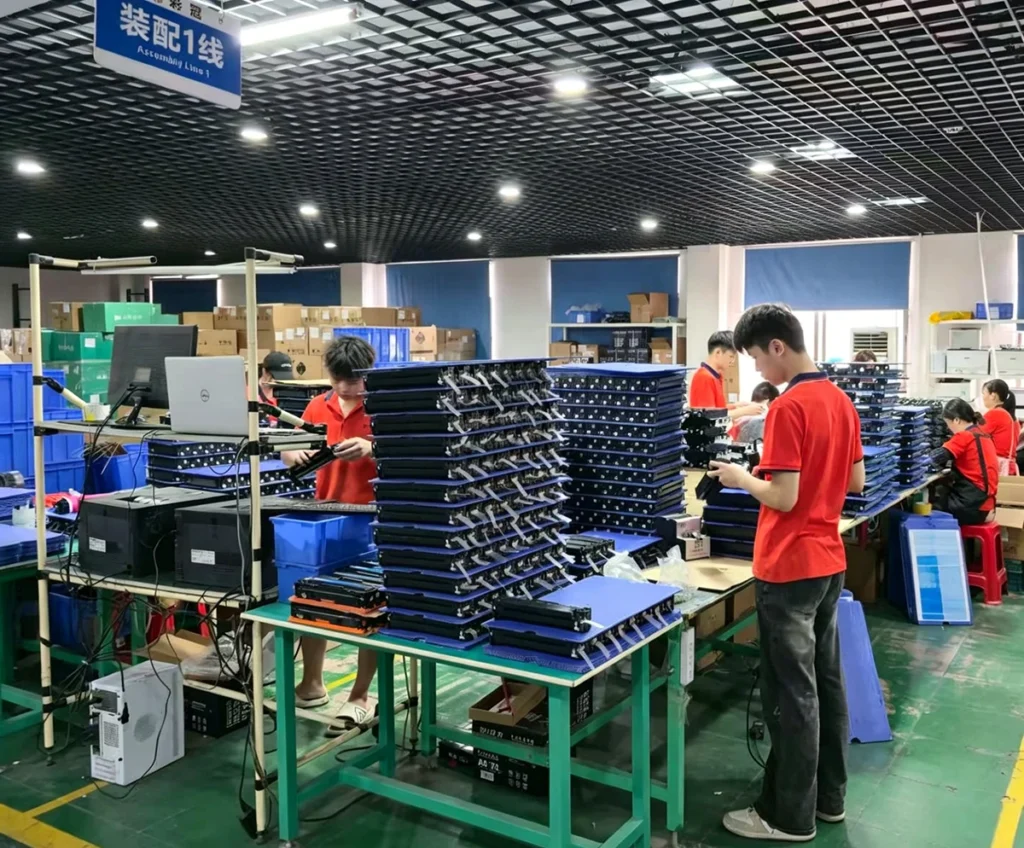
automated production workshop line for printer consumables manufacturing.

Production Workshop Line

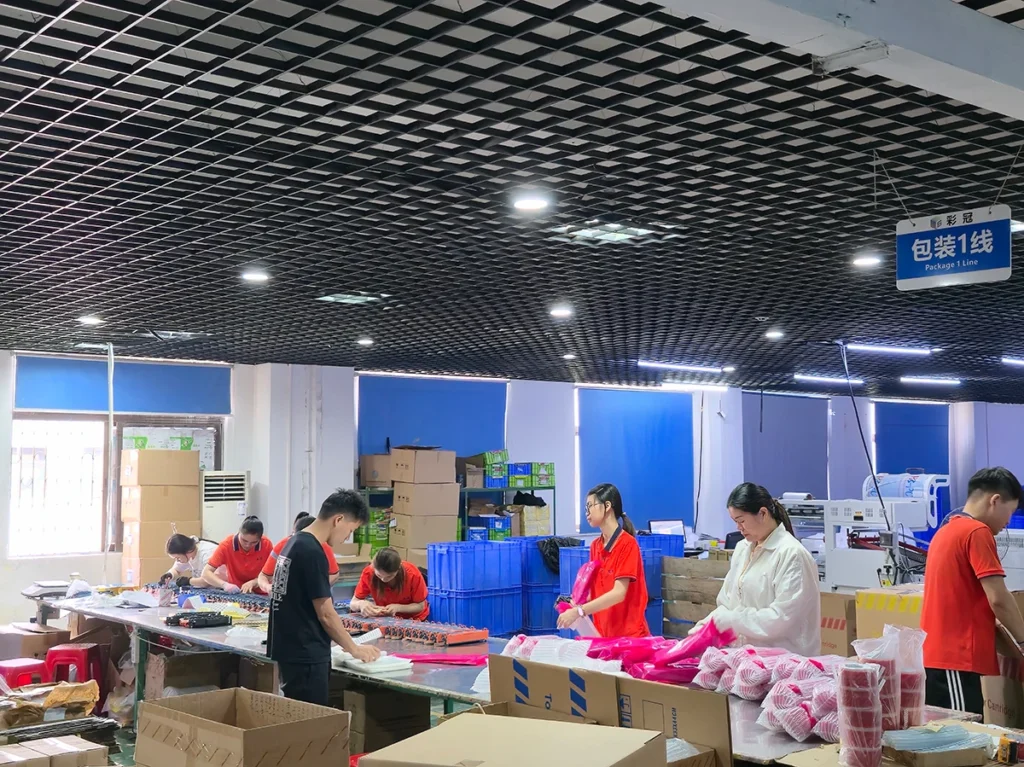
professional packaging assembly line for toner cartridges and printing consumables.

Packaging Assembly Line

OUR STORY

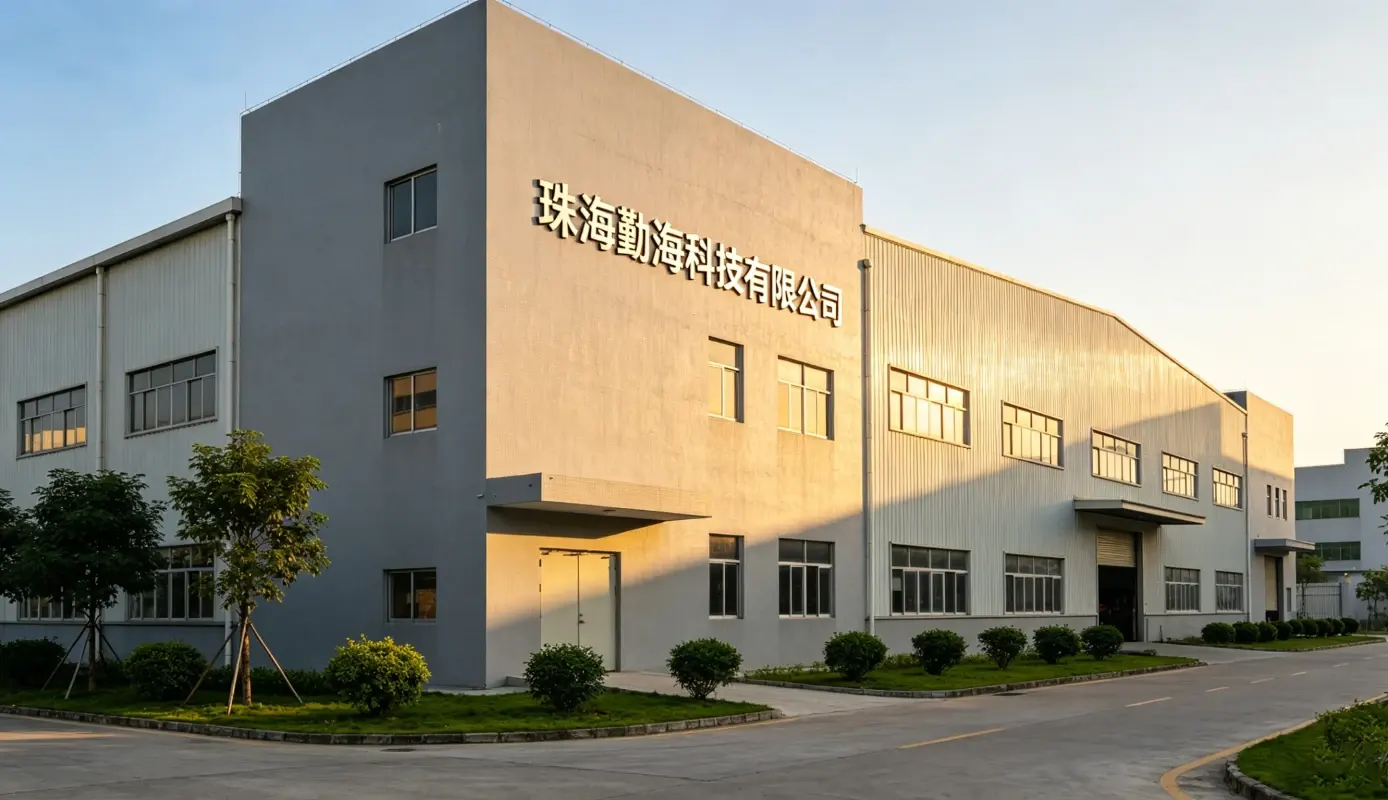
Zhuhai Qinhai Technology Co., Ltd.

Located in Zhuhai, China — the global hub for printing consumables — Zhuhai Qinhai Technology Co., Ltd. was established after strategic preparation beginning in 2016. Through continuous investment in R&D and manufacturing, the company has expanded its business to more than 100 countries and regions worldwide, serving over 300 customers globally.

Qinhai Technology owns three domestic supporting factories for printer consumables, allowing us to reduce intermediary costs and provide highly competitive pricing with greater profit potential for our partners. We have developed into a professional supplier integrating research, production, and sales of printing consumables and compatible spare parts.

Our main products include OEM-quality toner cartridges, copier toner kits, ink cartridges, waste toner containers, developer units, PCR rollers, cleaning rollers, wax bars, and other core consumable components, compatible with major brands such as HP, Canon, Brother, Ricoh, Xerox, Kyocera, Konica Minolta, Samsung, and more.

With strong customization capabilities, we support OEM/ODM services, private labeling, small-batch samples, and bulk production to meet different market demands. Backed by a mature supply chain and strict quality control processes, we provide reliable products, fast delivery, and flexible global logistics solutions.

Guided by integrity, professionalism, and continuous improvement, Qinhai Technology is committed to delivering stable, cost-effective, and customized printing solutions, aiming to become a trusted long-term partner for global distributors and enterprise customers.


zhuhai qinhai technology co., ltd.

3

+

Supporting Manufacturing Factories

100

+

Countries & Regions Served Worldwide

300

+

Global Business Customers

about

Looking for Reliable Printing Consumable Solutions?

Partner with Qinhai Technology for stable quality, competitive pricing, OEM/ODM customization, and professional global supply support.

Get a Free Quote